
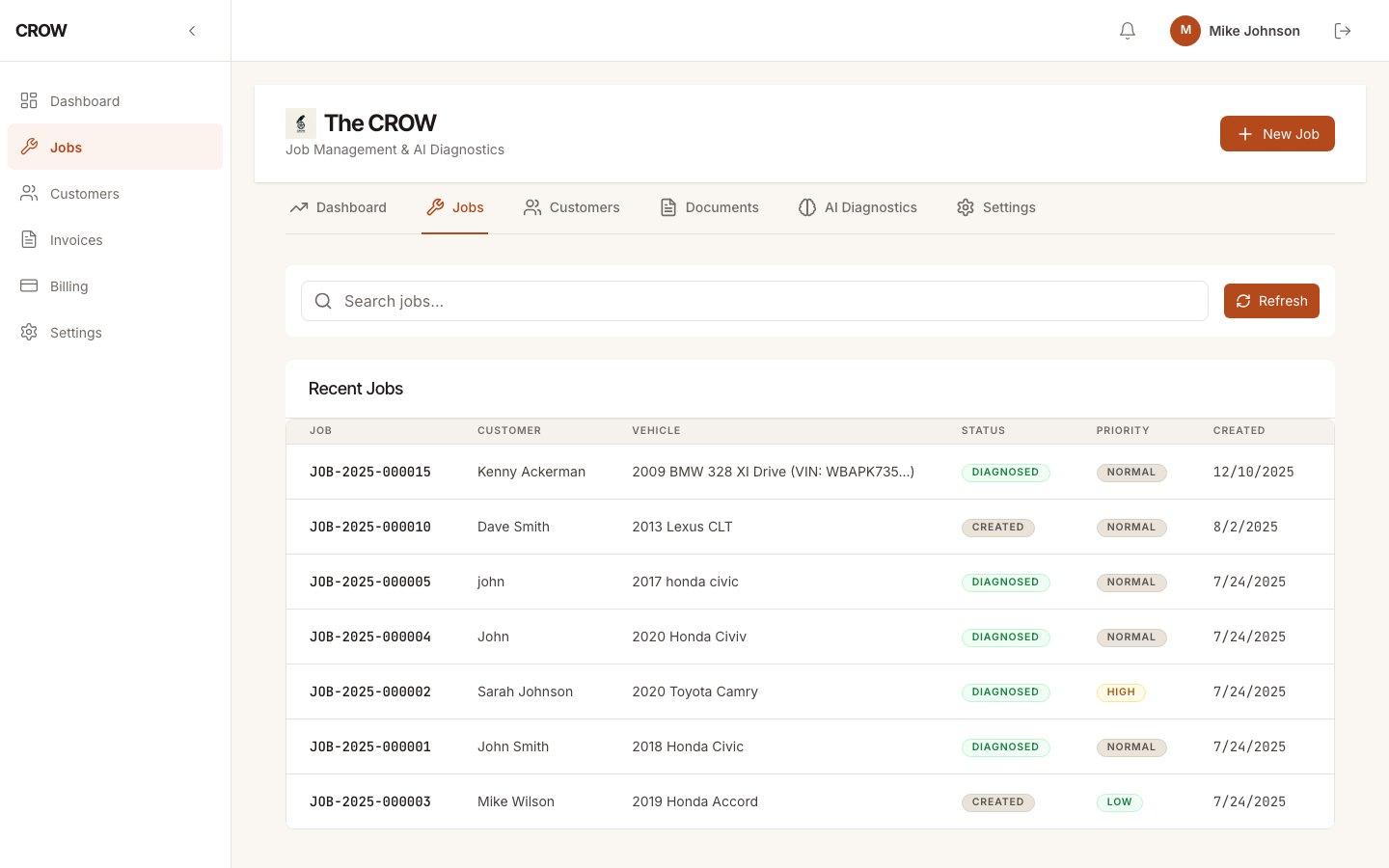
Run jobs from your phone
When the shop is a van and a driveway, the software has to work on the phone in your pocket. CROW runs in your phone’s web browser and is laid out for a small screen: your jobs are cards you can scroll, with the customer, the vehicle and the complaint on each one, and a tab bar along the bottom for jobs, invoices and settings.
There’s no app to install and nothing to update. Sign in at crowapp.ca on your phone, and the same account works on a tablet or a laptop when you’re back home.
Customers and vehicles with you
A new call comes in while you’re under a car? Log it as an inquiry with the customer’s name, phone and vehicle, and turn it into a job later with everything already filled in. Start a new job on the spot with the customer, the vehicle, the mileage and the complaint.
Every past job stays with its customer, so when someone calls back you can see what you did last time, right from the driveway.
Invoice before you leave the driveway
Write the invoice on your phone while the customer is standing there: parts, labor hours and rate, tax and any discount, with the total worked out as you type. Save it to the job, and download the PDF to text or email to the customer.
If you ran CROW’s AI diagnosis on the job, the parts and labor you picked from it can go straight onto the invoice. See repair estimates and invoicing for how that works.
What you need
A phone with a web browser and a data connection. CROW doesn’t work offline, so a spot with no signal means waiting until you have one.
Mechanic Pro covers all of it. See pricing for monthly and annual prices.